How to Set Up IBO Player
Complete setup in less than 5 minutes on any device.
1
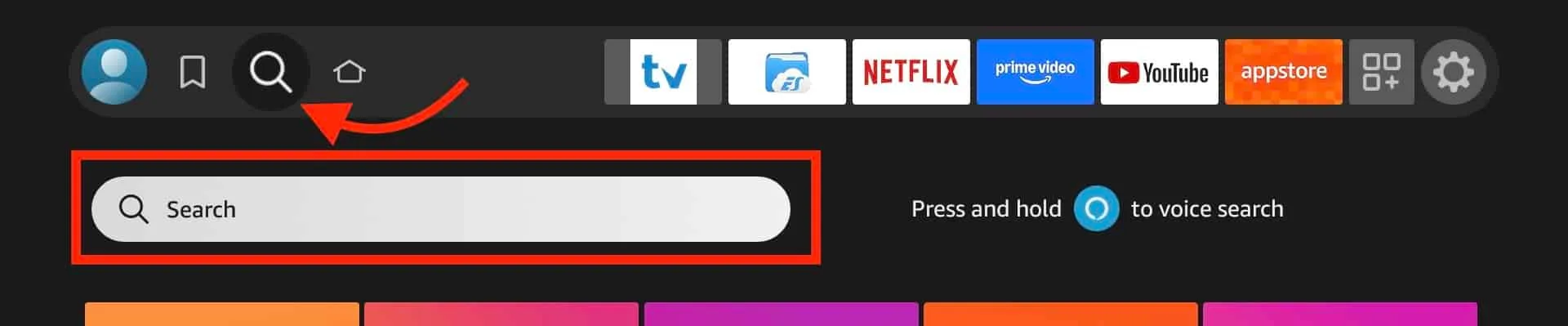
Download IBO Player
Available on every platform:
- Fire TV / Fire Stick: Amazon Appstore
- Android / Android TV: Google Play Store
- Samsung Smart TV: Samsung App Store
- LG Smart TV: LG Content Store
- Apple TV / iPhone / iPad: Apple App Store
- Windows / Mac: Official IBO Player website
2
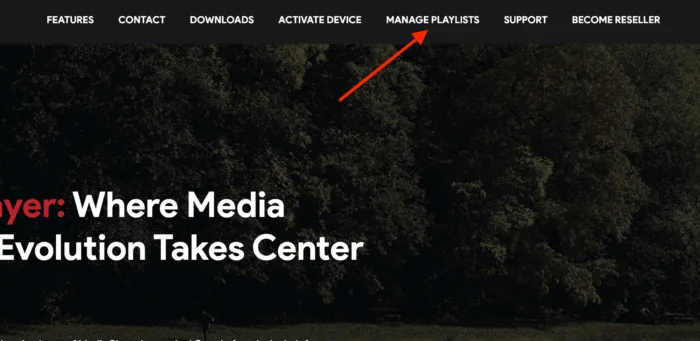
Find Your Device ID
Open IBO Player. Your unique Device ID (MAC address) appears on the main screen. Note it down for activation.
3
Send Device ID to PremiumTelly
After purchasing, send your Device ID via WhatsApp (+1 939-800-3993) or email. We activate remotely within 30 minutes.
4
Restart and Enjoy
Restart IBO Player. Your 40,000+ channels, 170,000+ VOD, and full EPG load automatically.
5
Optimize Your Experience
- Use Ethernet instead of WiFi for stability
- 25 Mbps minimum for 4K content
- Restart device periodically to clear cache
- Keep IBO Player updated
- Contact 24/7 support for any issues